 Fotometis
A photo editor you can talk to.
Unlock your creativity.
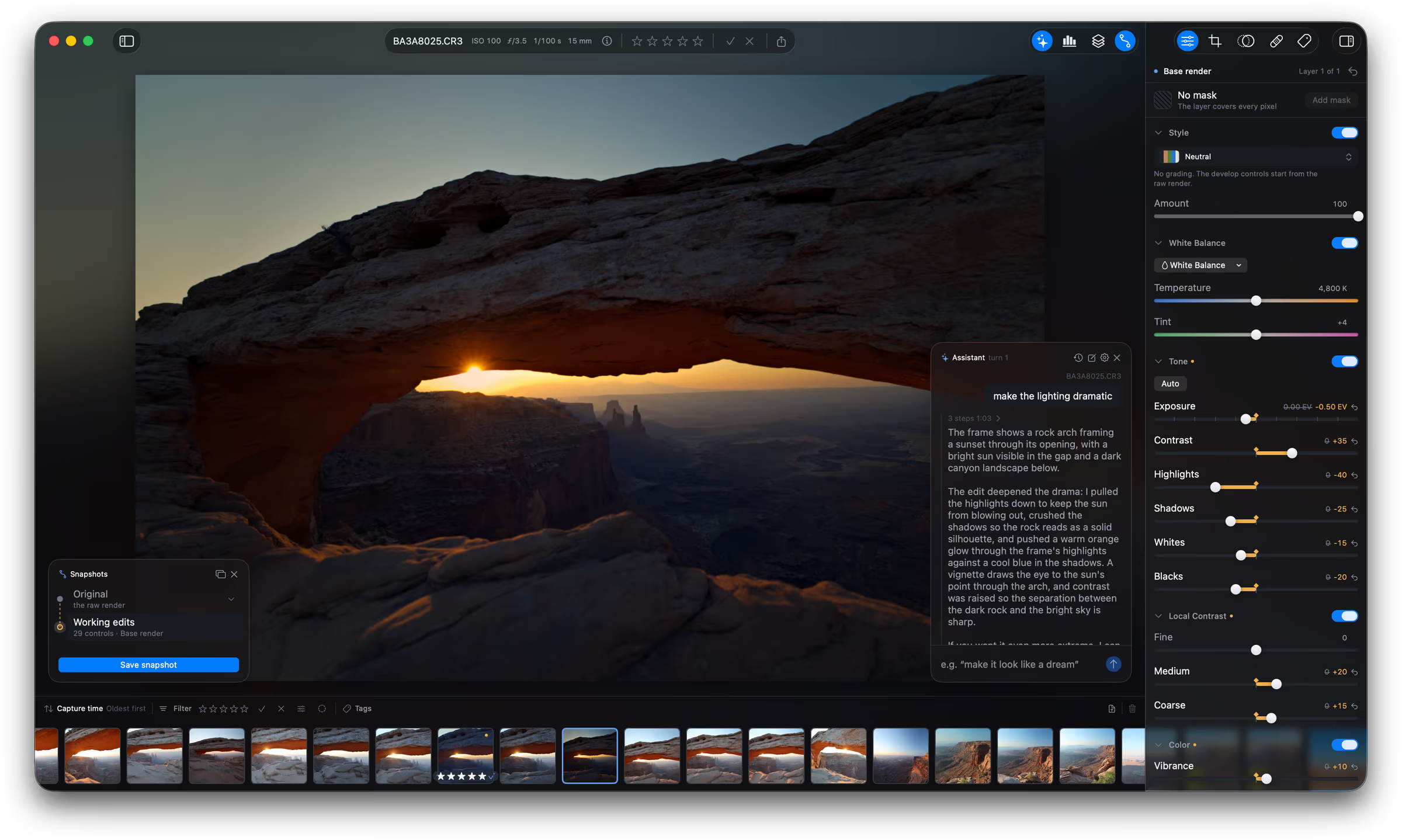
Assistant
An assistant that can realize your vision
Make non-destructive edits with the use of large language models (LLMs). The assistant uses the same tools you use.
Fotometis ships with a fine-tuned, local LLM (private by default). Or you can bring-your-own-model from any major provider.
Snapshots
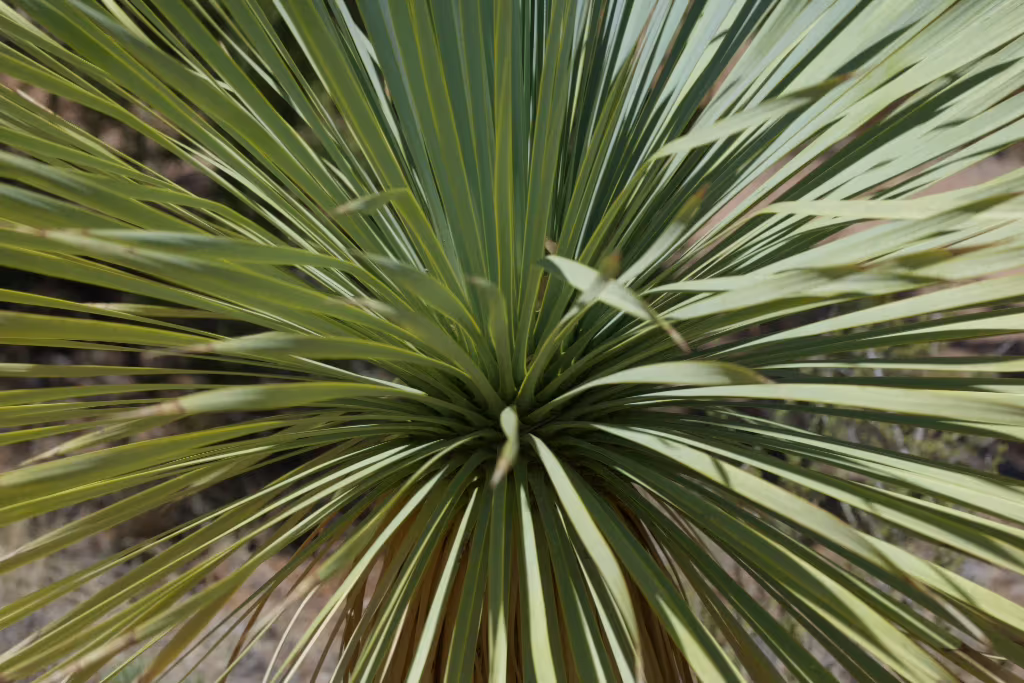
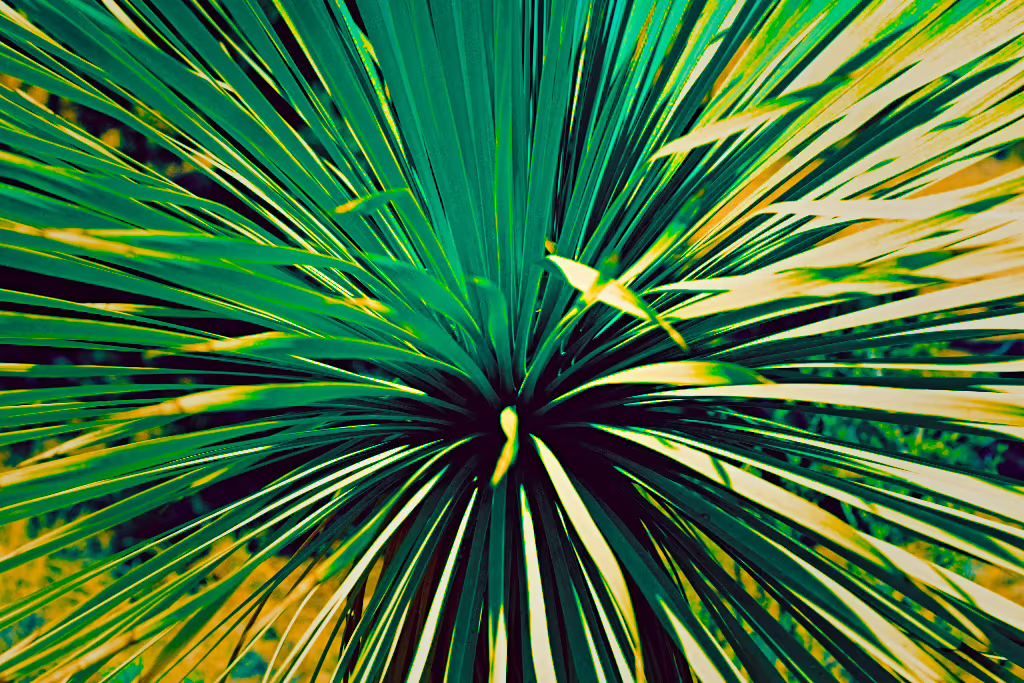
Multiple edits on one photo
Don’t lose a version you like. Save a snapshot. Branch off more variations from any snapshot to explore different paths.
Copy snapshot edits to other photos. Compare snapshots side-by-side. Don’t let yourself get stuck on one look.
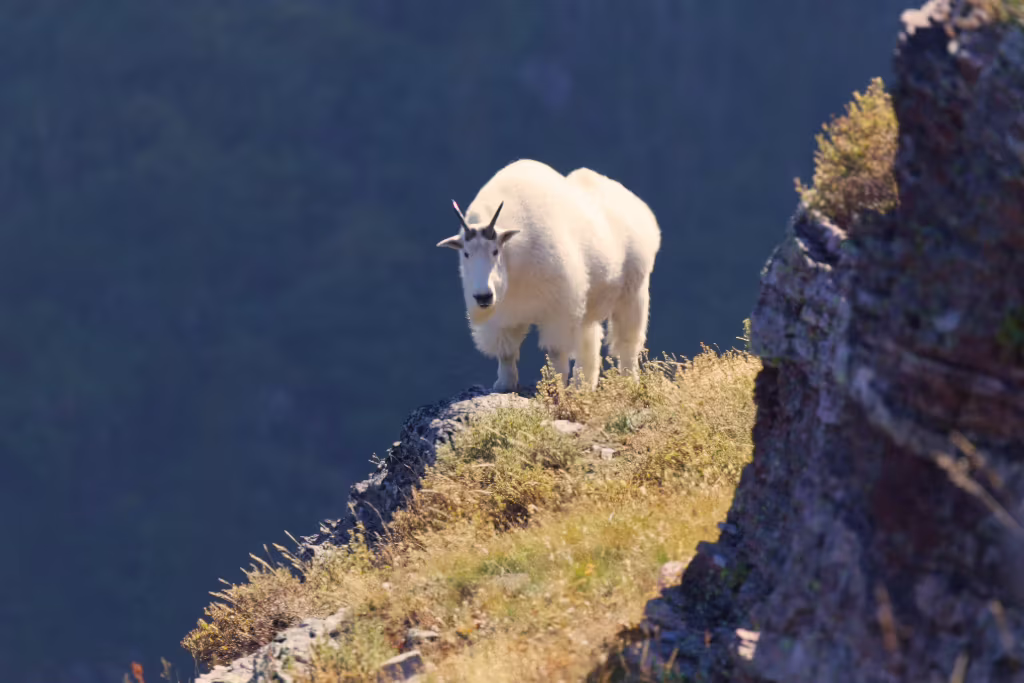
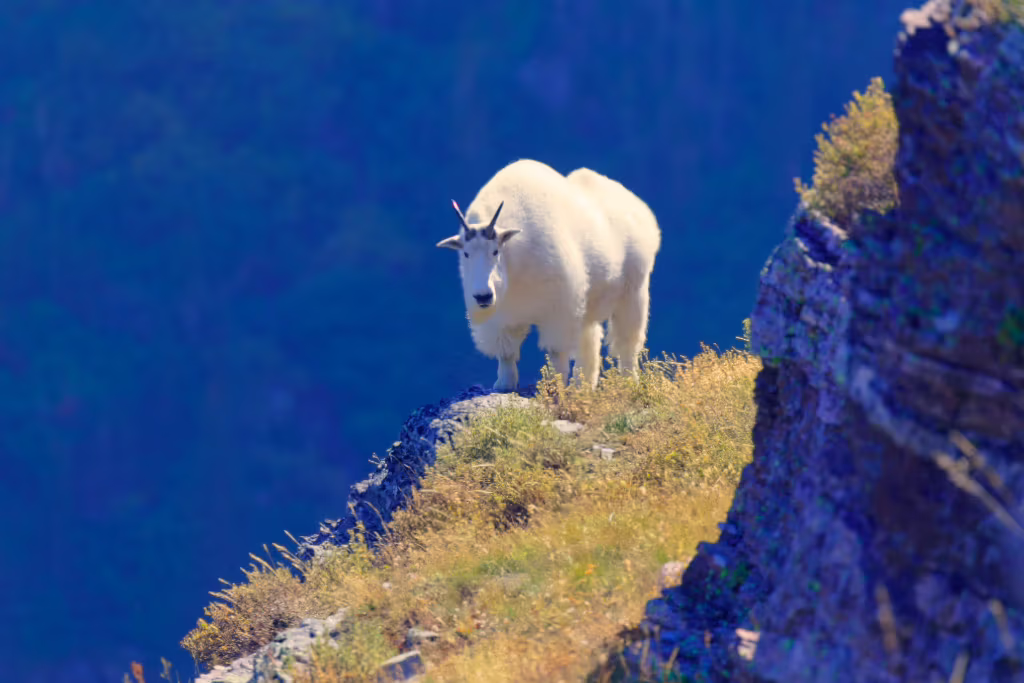
Develop
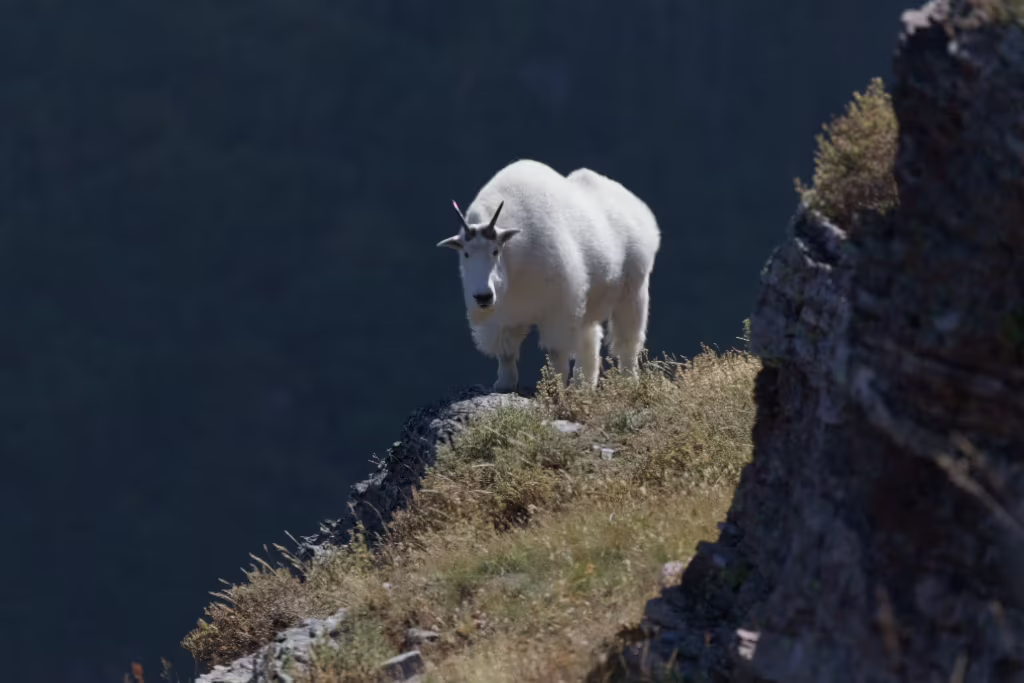
All the controls you’re used to, and then some
Everything about an image can be manually controlled. You never give up creative freedom. Using the assistant is optional. The full power of Fotometis is available with or without LLMs.
Edits are non-destructive. Undo any change, or revert an assistant’s choice.

MCP
Model Context Protocol
All of Fotometis is available to an agent of your choice. Use any MCP client to control Fotometis. Great for batch operations, or as part of a larger agent-assisted pipeline to chain multiple tools together.
No destructive actions are allowed. Scoped only to the folders you have open.
›tag all the bird photos in ~/Pictures/2026-07-26 Photo Walk
I'll start by loading the Fotometis MCP tool schemas.
Called fotometis 2 times
143 frames. Let me check how the existing bird tags are used, then look at every frame.
Called fotometis
Now I'll look at all 143 frames. Starting with the BA3A82xx run.
Called fotometis 3 times
Birds so far: 8282–8287 (quail), 8288 (scrub-jay). Continuing.
Called fotometis 2 times
Towhee run at 8296–8302. Continuing.
Edit RAW photos like it’s 2026
We’re just getting started.